How-to · Ergonomics
How to Set Up a 48-Inch Desk
A space-saving layout for your monitor, keyboard, mouse, lighting, and everyday desk essentials.
Quick guide
Plan the surface in this order
Set the permanent equipment first, then see what space remains for everything else.First
Monitor positionChoose a comfortable viewing distance before centering accessories.Second
Keyboard + mouseProtect the mouse path before choosing a desk mat.Always keep
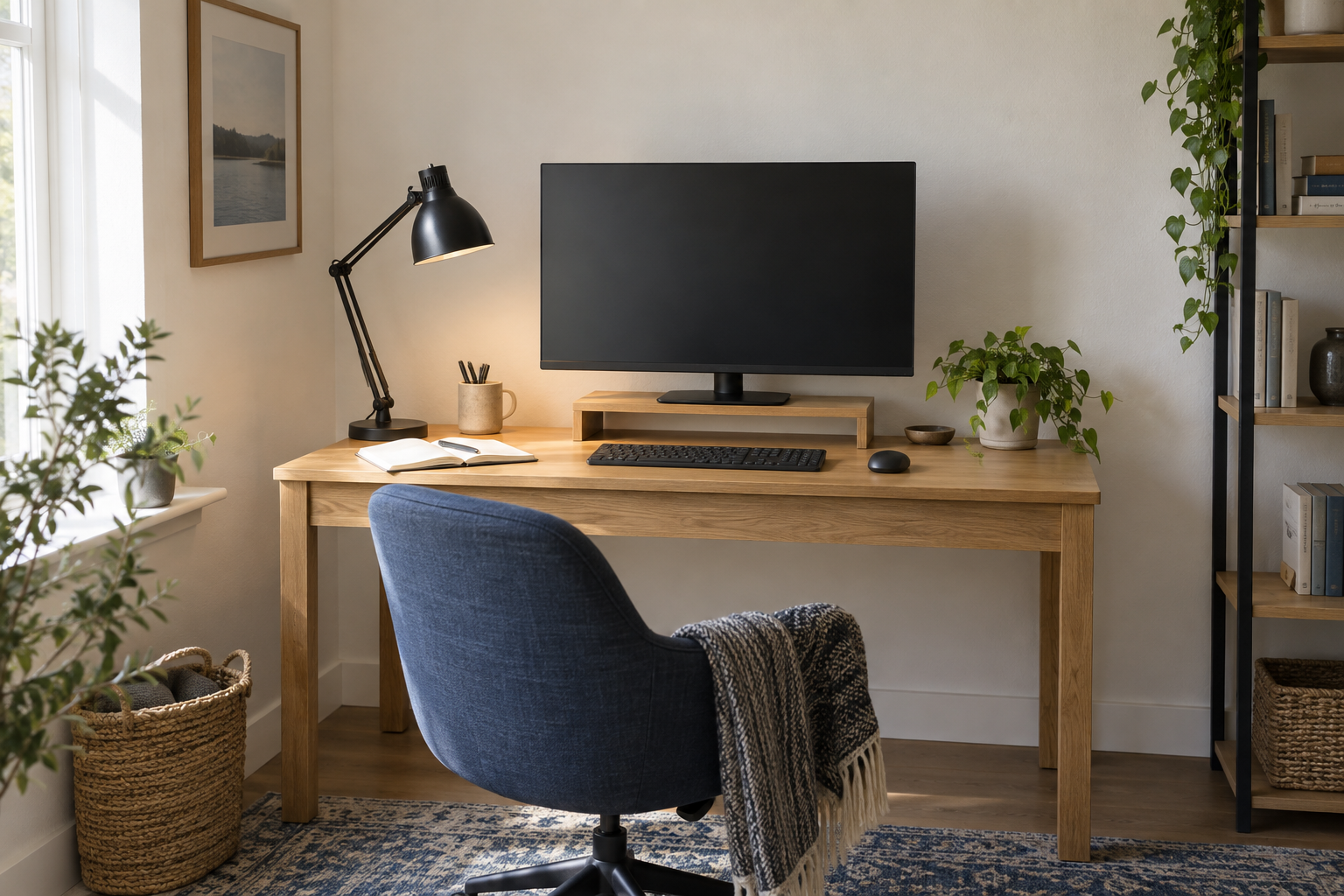
One clear zoneLeave notebook-sized space for short, everyday tasks.A 48-inch desk has enough room for a comfortable computer setup, but not enough room to place everything wherever it lands. Set up the items you use all day first. Accessories come later.
Measure the usable surface
The advertised width is only the starting point. Measure the clear surface between shelves, drawers, monitor stands, and anything that rises above the back edge. Check the underside too if you plan to fit a monitor arm or cable tray.
Put painter’s tape at the left and right edges of a 48-inch area on a larger table. This gives you a quick way to test the layout before moving furniture or ordering accessories.
Set the monitor first
Place the screen at a comfortable viewing distance and roughly in front of your normal sitting position. Do not force it into the exact center if the stand takes up too much depth there.
A compact stand is the simplest option. A monitor arm can free more surface space, but only after you confirm the desk thickness, the clear area under the desktop, the screen’s mounted weight, and the space between the desk and wall.
Leave enough room for the mouse
Set the keyboard where your shoulders feel relaxed, then move the mouse through its full range. If the mouse keeps reaching the desk edge, a tenkeyless or 75% keyboard may help. People who use a number pad only occasionally can keep a separate one in a drawer.
Do this before buying a large desk mat. The mat should fit the working position, not determine it.
Keep one area empty
Reserve a clear space about the size of an open notebook. Use it for writing, opening mail, charging a phone, or putting down whatever is in your hand. Without that space, every small task turns into rearranging the desk.
Route cables after the layout is settled
Run power toward the corner closest to the outlet. Keep a little slack near the monitor and other adjustable equipment, and secure loose cable length under the desk rather than coiling it beside the keyboard.
Use the setup for a full workday before attaching trays or adhesive clips. If you keep moving an item out of the way, it probably should not live on the desk.