How-to · Lighting
How to Position a Desk Lamp Without Screen Glare
Use these simple placement checks to light your desk without reflections, hot spots, or harsh contrast.
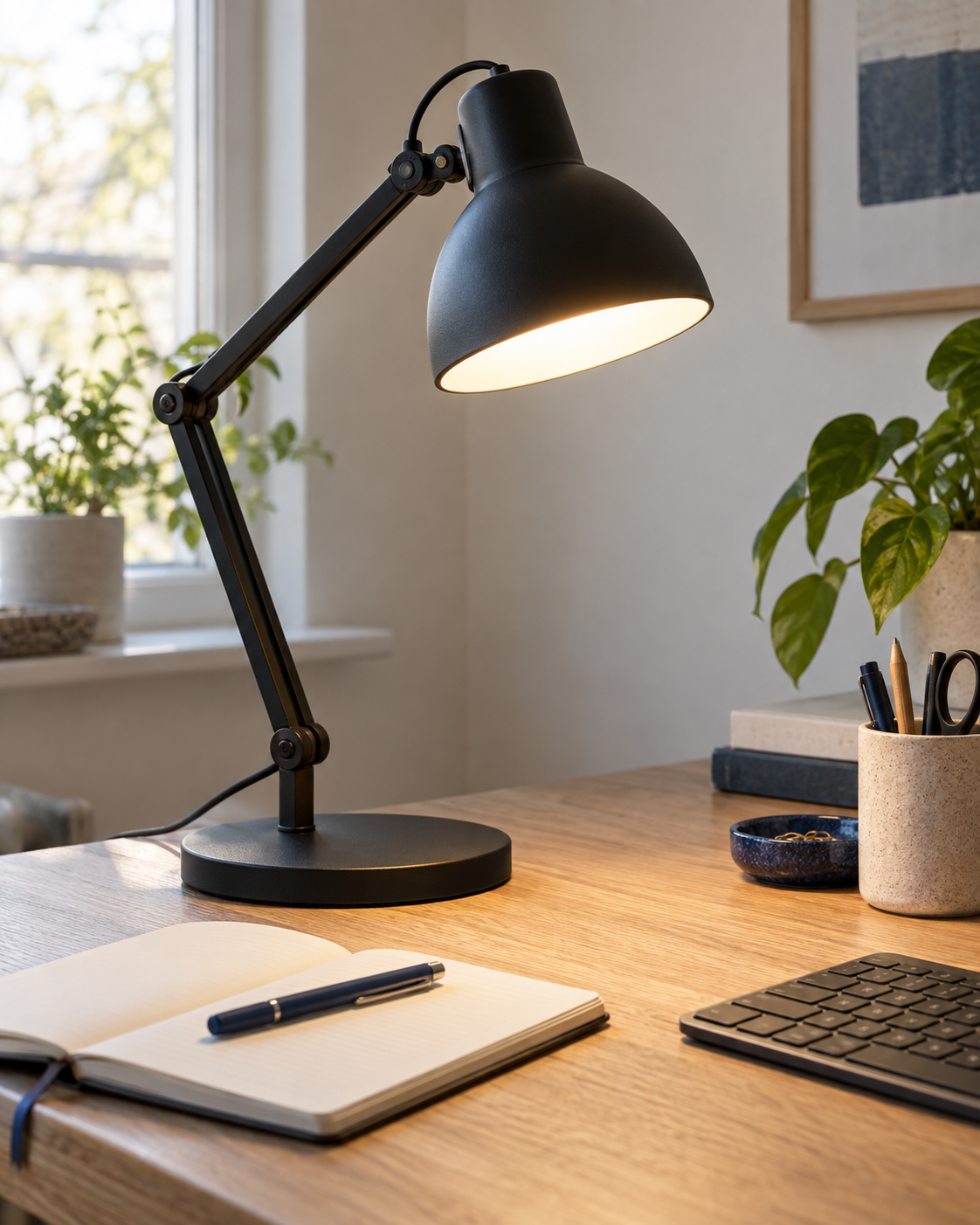
Quick guide
Fix glare in ten minutes
Change position before replacing the lamp.Find it
Turn the screen offA dark display makes reflections easy to see.Move it
Up and to the sideAim the beam at the desk rather than the monitor.Check it
Paper + white screenCompare both while working normally for ten minutes.Screen glare is usually a placement problem. Before replacing the lamp, spend ten minutes changing its height, side, and angle.
Turn the screen off and look for reflections
A dark screen makes reflections easy to spot. Sit in your normal position, turn the monitor off, and move the lamp until you can no longer see the bulb or a bright patch on the panel.
Aim the beam at the desk, not at the display. If the light still appears on the screen, move it farther to the side or raise it rather than simply lowering the brightness.
Put the lamp opposite your writing hand
Right-handed writers usually get fewer shadows with the lamp on the left; left-handed writers can start on the right. This is a starting position, not a rule. Monitor size, windows, and the shape of the shade can all change the best spot.
Choose a broad, diffused beam
A small bright circle surrounded by a dark desk can be tiring during mixed screen and paper work. Look for a lamp that spreads light across the area beside the keyboard without exposing the LED or bulb at eye level.
For a clamp lamp, check the top and underside of the desk before buying. A rear apron, cable tray, or wall can leave nowhere for the clamp to sit.
Check the controls from your chair
You should be able to change brightness without standing up or holding the lamp steady. Touch controls can be convenient, but not when they sit on the part of the lamp you grab to reposition it.
Adjustable color temperature is useful if the same desk is used during the day and at night. It is less important than a stable arm, a usable dimming range, and a beam that stays off the screen.
Do a ten-minute test
Place a white sheet of paper beside the keyboard and open a mostly white page on the monitor. Work normally for ten minutes. Move the lamp if the paper is dramatically brighter than the display, the bulb is reflected on the screen, or your hand casts a hard shadow across the page.
Keep hot bulbs away from curtains and papers, and follow the lamp maker’s clearance and wattage instructions.